THINKING & LOGIC+
Find the rule.
Then make your own.
?
What comes next? Look for the repeating unit.
Your prediction starts the discovery.

IOTICUS LABS / THINKING SKILLS
Learning starts with noticing a pattern, making a prediction and explaining a choice. Our logic factories turn these habits into things students can see and test.
A broad skill-building programme combines cognitive challenges, hands-on construction, physical puzzles, communication and collaborative problem solving.
Students handle objects, make patterns, plan routes, build structures and work within changing constraints. Teachers ask for predictions, explanations and revisions.
Spatial reasoning, working memory practice, focus, creativity, teamwork and persistence. Activities make thinking visible through choices, tests and explanations.
Physical logic games, construction challenges, sequencing activities, strategy tasks and team design missions complement the digital simulators.
What comes next? Look for the repeating unit.
Your prediction starts the discovery.
35 cm away. The robot can move.
Attention, working memory, spatial reasoning and flexible thinking are practised through specific challenges. Children sort objects, repair routes, predict shadows and compare different solutions.
Students run one step at a time, inspect the first unexpected result and change a rule. A revised attempt becomes evidence of what they have understood.
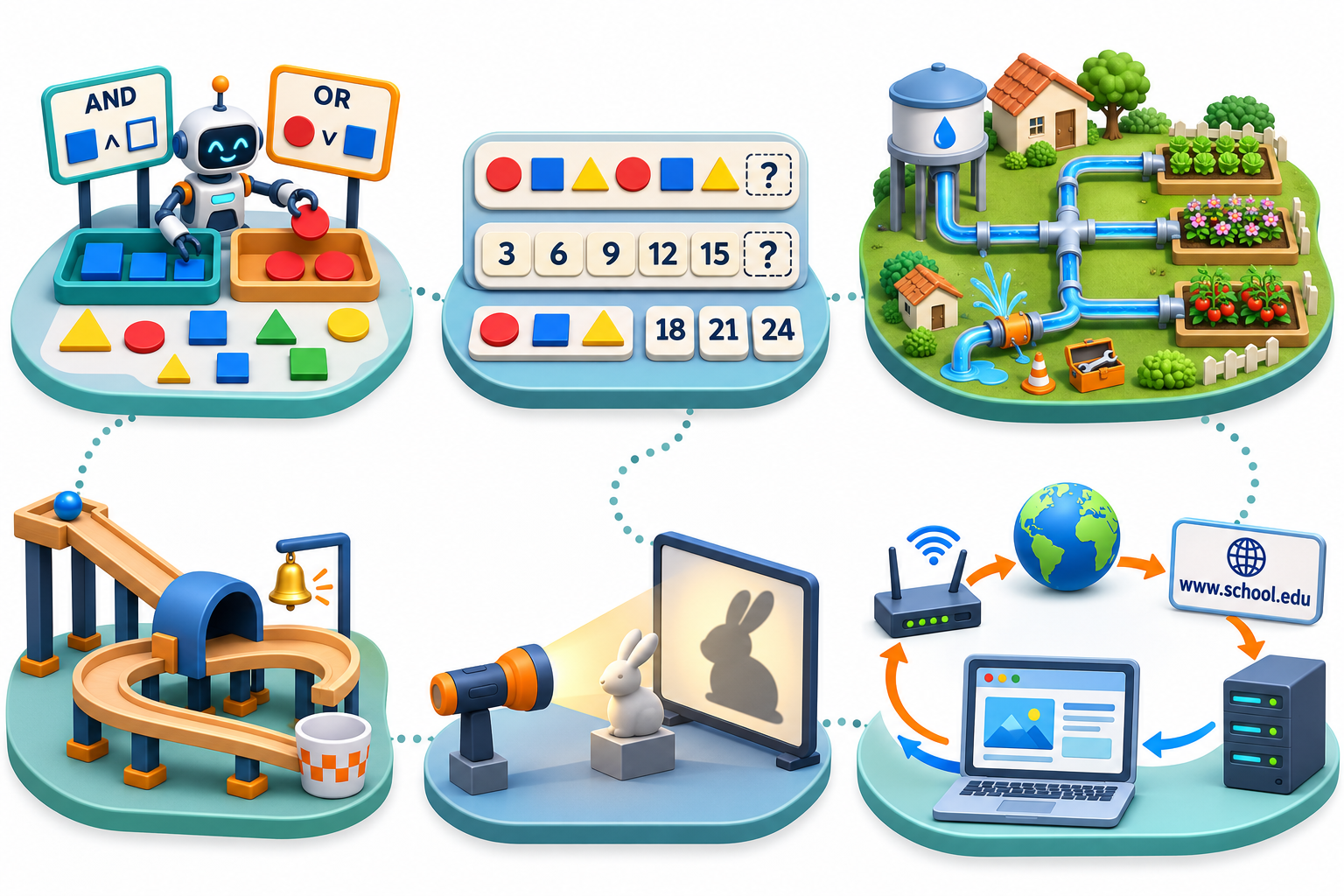
Explore Robot Logic Factory, Pattern Factory, Robot Rescue Academy, Math Mission Market, Water for Every Garden, Little Courier, Shadow Detective and Marble Adventure Designer. Further factories connect these ideas to energy, AI, websites, mechanical design and smart environments. Grade 5 adds twelve extensions; each later grade deepens reasoning and practical application.
Starting points adapt to experience. Every level includes making, running, testing and explaining working software.
Use visual sequences and blocks to build an interactive scene or route. Predict the output and correct a wrong step.
Build a small game or simulator with conditions and repetition. Test exceptions and explain why a rule works.
Use loops, variables and sensor inputs. Develop a robot routine or interactive program, starting with a flowchart.
Introduce functions, data and structured debugging. Progress toward text-based Python or JavaScript when ready and build a useful automation or application.
Create HTML, CSS and JavaScript pages, or Python applications. Connect input, processing and output; test usability and invalid inputs.
Plan requirements, organise code, test edge cases and refine a working website, application or device prototype. Explain design decisions in a project demonstration.
Alongside robotics and automation, students practise reasoning, spatial thinking, focus, planning, communication and collaboration. Guided challenges combine online simulators with physical puzzles, construction tasks, unplugged algorithms and team design activities. Teachers ask students to predict, test, explain and revise.
We plan to add more skill-building activities, logic-development programmes and offline physical challenges. New activities will extend the current programme; they are not all available today. Each grade adds a further level of challenge, independence and reflection.